
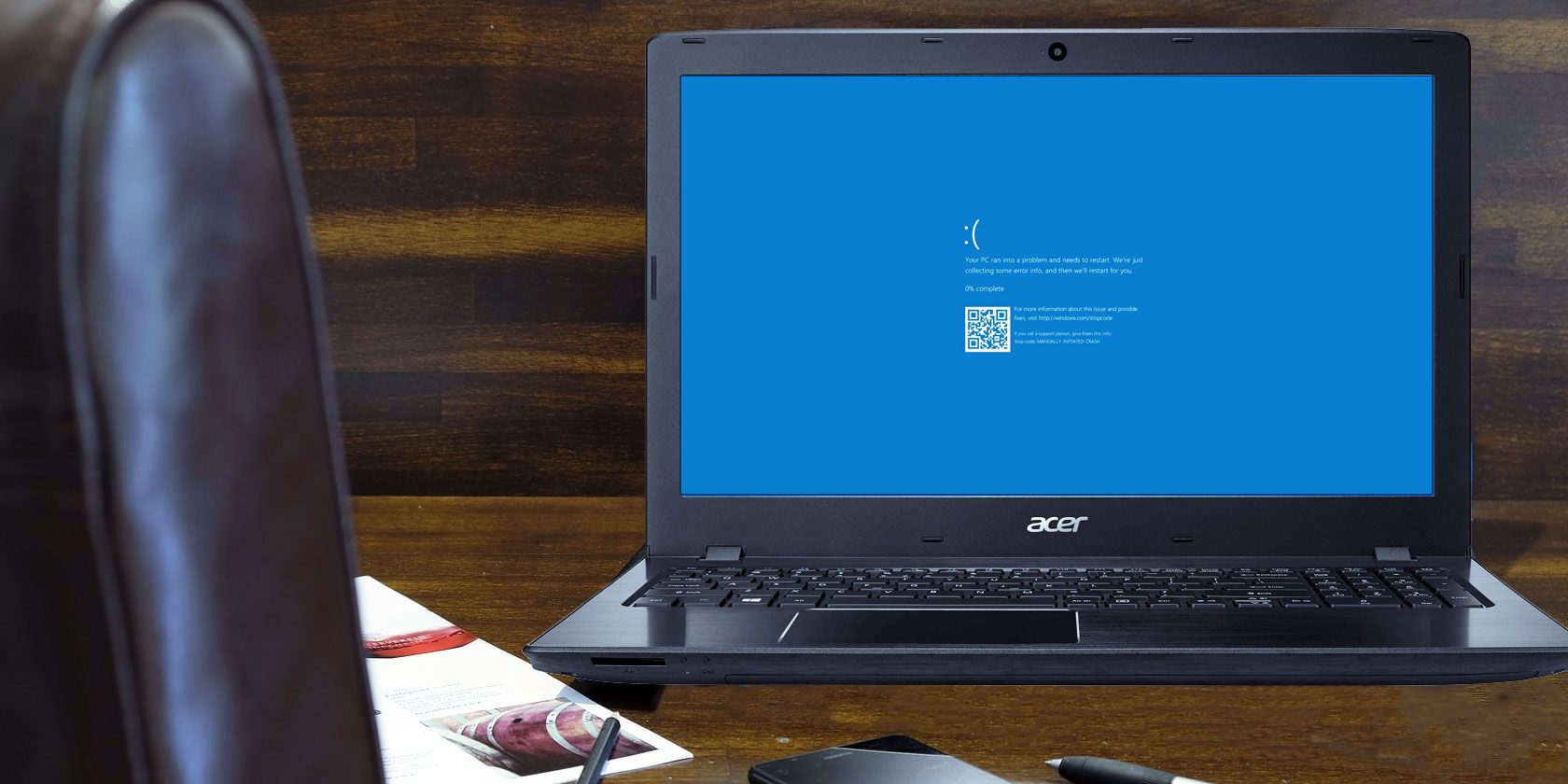
The blue screen of death (BSOD) error is something every Windows user runs into sooner or later. It’s a frustrating problem, as it’s often tough to troubleshoot and can pop up out of nowhere.
We’ll walk you through some basic tips on how to fix a blue screen on Windows 10 (and 11), as well as provide resources for specific blue screen error codes.
In case you’re not sure what a blue screen problem even is, let’s first review this important Windows term.
What’s commonly called a “blue screen of death” in Windows 10, Windows 11, and other versions is technically known as a stop error or fatal system error. This occurs when the operating system crashes, meaning that it ran into some issue that prevented it from running safely. When this happens, Windows displays a blue screen with some information about the problem
Printing documents and images is essential for many users. However, some users’ printers don’t print because of a Windows error message that says, “Another computer is using the printer.” Users have reported this error message appears when they select to print in Windows software packages.
This error message suggests the printer can’t print because it’s already in use by another computer. However, the error also arises for home users who aren’t sharing their printers with other computers on organization networks. This is how you can fix the “Another computer is using the printer” error on Windows 10 & 11.
Restarting the printer is a simple possible fix that’s worth a try. The printer could be stuck with a preceding request, which applying this solution might resolve. So, power off your printer for a few minutes and then turn it back on to see if that makes
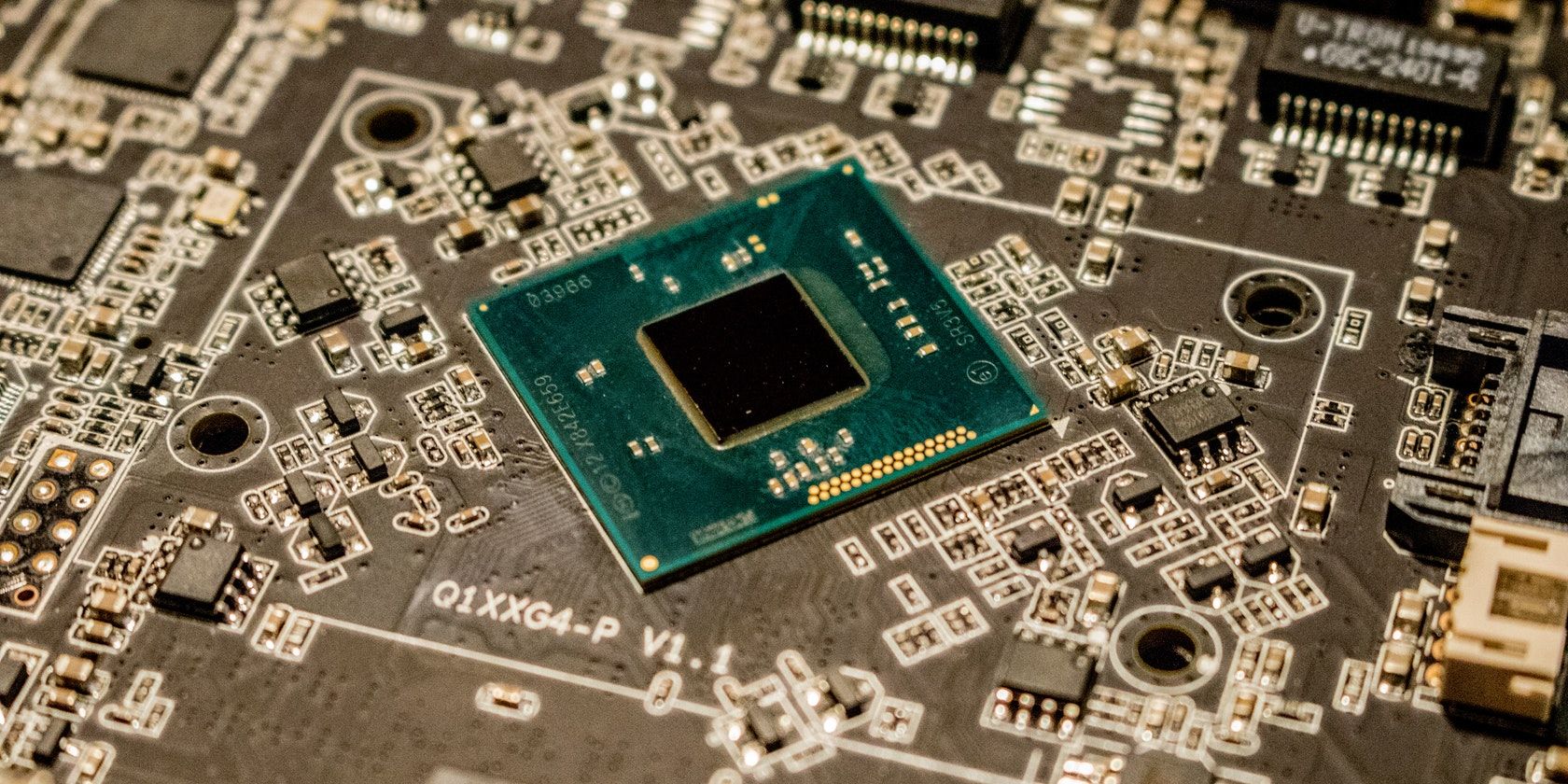
A Trusted Platform Module (TPM) is a hardware-based security measure used to authenticate your PC. Sometimes, the TPM may malfunction, resulting in users not being able to access applications such as Outlook or Microsoft Office. Thankfully, there are quite a few ways you can fix the TPM malfunctioning error.
The first step in resolving common Windows errors is to perform a clean boot to check whether third-party software is causing the issue. It’s not unusual for third-party software to conflict with your Windows PC. Here’s how you can clean boot your PC:

Microsoft Outlook is a perfect app for sending and receiving emails and managing other personal data. But sometimes Outlook doesn’t open and gives the “Cannot start Microsoft Outlook…” error message.
It may seem daunting, but there’s no need to panic. You can easily fix this from your home by using the methods in this article.
There are many probable causes for this issue, and different messages accompany the “Cannot start Microsoft Outlook” error in individual cases. Some of the usual reasons include:
Depending on the cause of the error, there are several possible solutions. First, restart your computer and check if the error persists. If it does, move on to the fixes below:
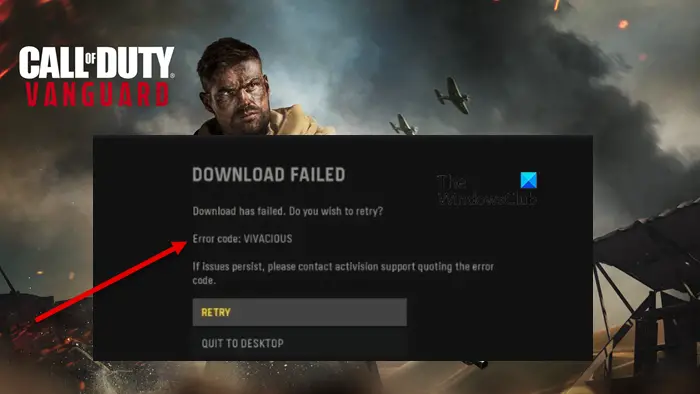
Mistake Code VIVACIOUS on COD Vanguard has been viewed on all the key platforms, these kinds of as Xbox, Personal computer, and PlayStation. The error generally pops up when trying to down load a piece of written content. In this report, we are going to discuss about this concern in depth and see what you want to do to resolve the error code in query. The pursuing is the specific error concept one particular sees when striving to perform the activity.
Obtain Unsuccessful
Down load has failed. Do you wish to retry?
Error code: VIVACIOUS
If problems persists, make sure you speak to activision aid quoting the error code

If you are seeing Error Code: VIVACIOUS on COD Vanguard, then, very first of all, test Activison server status using a absolutely free down detector. If the server is down, there is almost nothing